9 LinkedIn Optimizations That Get You Recruiter DMs
Step one of both strategies: make your profile worth visiting. These are the exact changes you can make today.
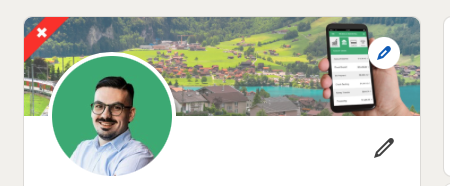
Profile Photo
Use a clean, friendly photo with bright light and a relaxed smile. You can use Canva or pfpmaker.com to remove the background and replace it with a simple, professional one.
Avoid selfies, party photos, or dark rooms. Look like someone who does careful work.
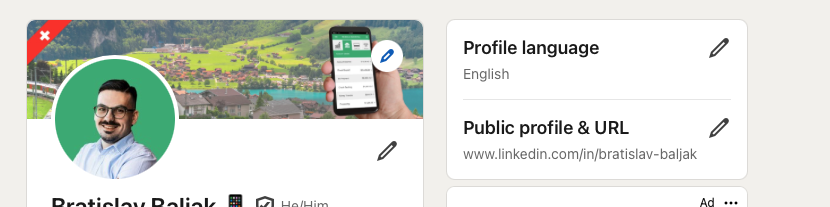
Custom URL
Make your LinkedIn link clean, easy to share, and SEO friendly.
Example: linkedin.com/in/firstname-lastname. This alone puts you in the top 10% of clean links.
Headline
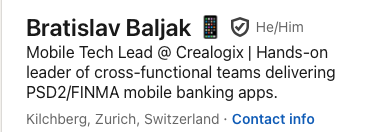
Think about the person who reads your profile. A manager with 20 developers does not care that you know SwiftUI or Combine. They care about: fewer crashes, faster delivery, strong security.
Formula: I help [who] [solve pain] by [your expertise].
Examples: I help fintech teams reduce crash rates and release with confidence. · I help banking apps speed up onboarding and meet security standards.
Summary: your 30-second commercial
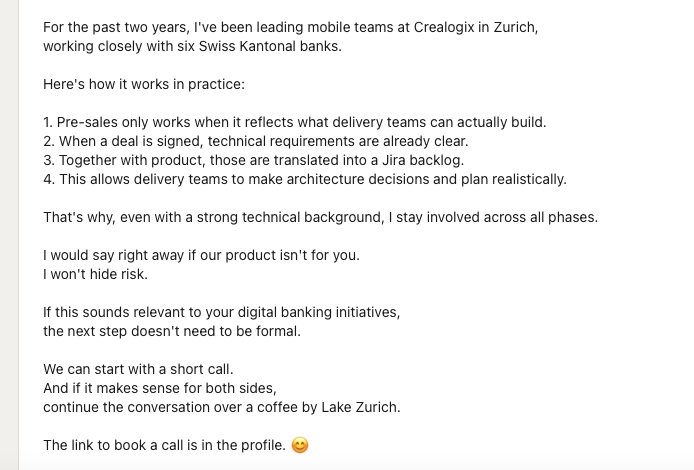
The About section. Say what you fix, who you help, and how you do it.
Structure: 1. what problems you solve · 2. who you solve them for · 3. how you solve them · 4. proof and experience · 5. how to reach you.
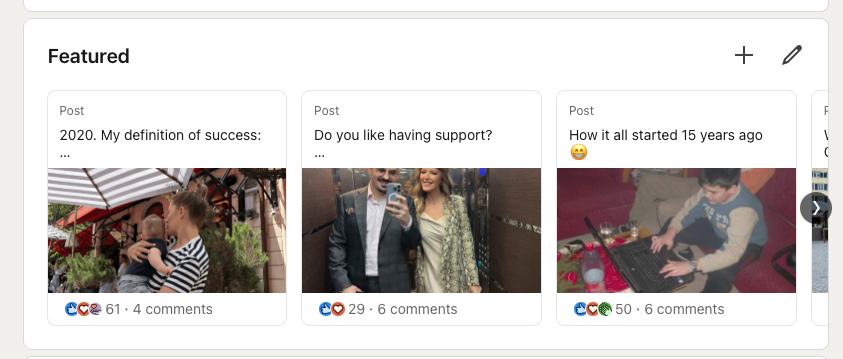
Featured Section
Right under About. This is your visual proof zone: use it to show your work.
Add: a short video demo of your app · a GitHub link · a blog post about something you improved · a PDF checklist or case study. Update it every few months. Fresh content shows activity.
Experience Section
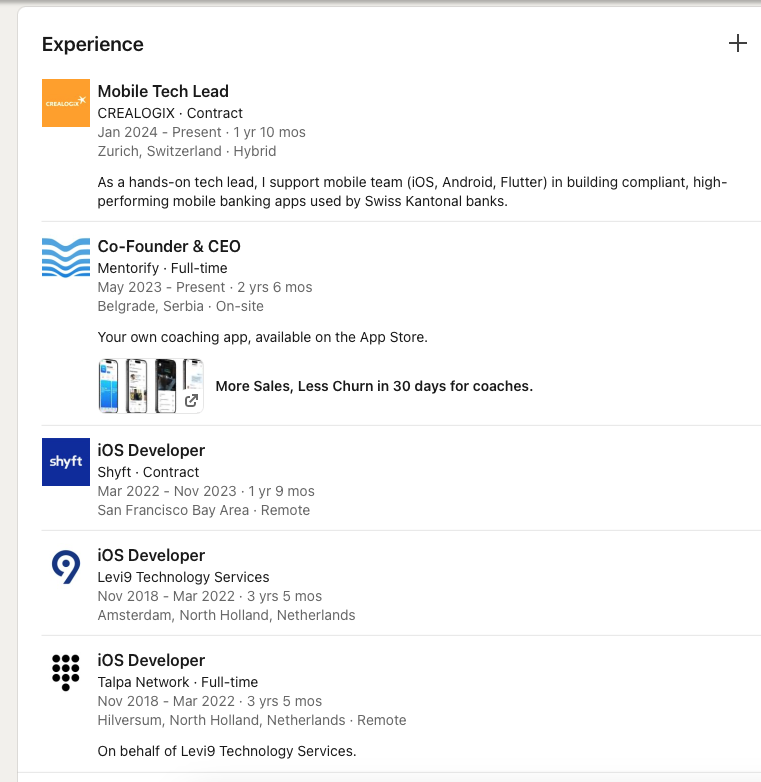
Done right, your LinkedIn experience is stronger than any PDF resume.
Focus on results, not tasks.
Bad: "Built iOS apps using SwiftUI."
Good: "Cut app crash rate by 40% with a SwiftUI migration. User retention went up."
Use numbers, percentages, and outcomes. Recruiters scan for impact.
Recommendations
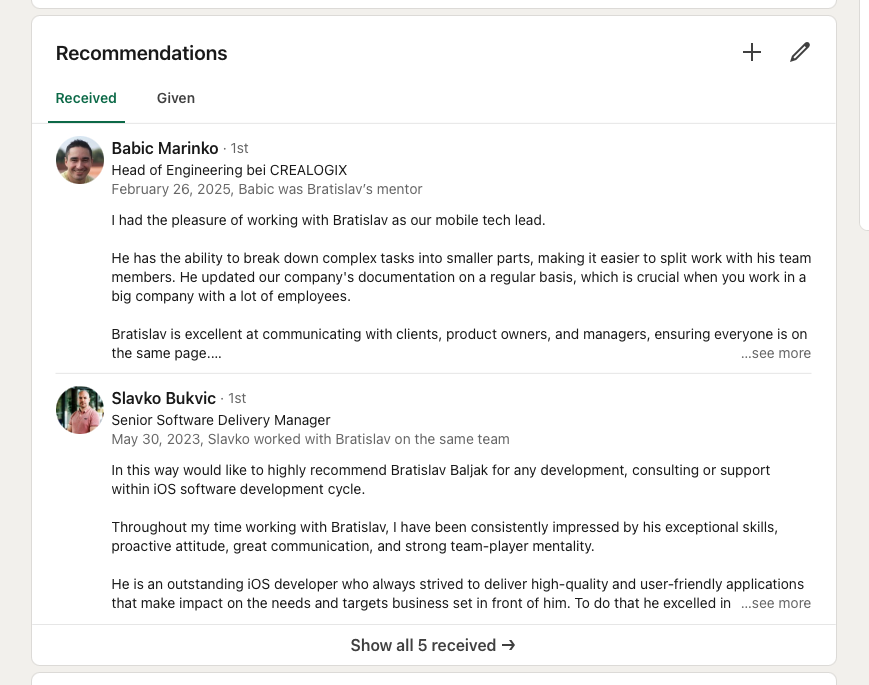
This is the review section of your profile. Ask a real person (a manager, teammate, or client) for a short recommendation. It is one of the strongest trust signals you can have.
Pro tip: send them 2–3 bullet points to work from. Most people want to help but do not know what to say.
Skills Section
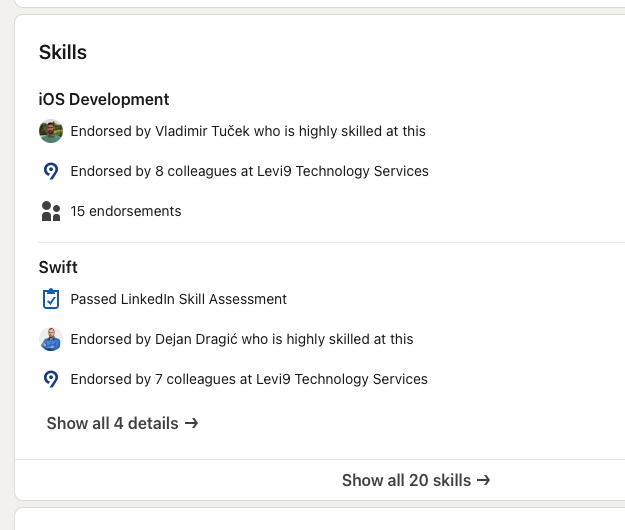
Add 5–7 focused skills that match your target role. LinkedIn uses them to match you with opportunities.
Example for an iOS developer: Swift · SwiftUI · Combine · Firebase · REST API · Unit Testing · iOS Security. Remove old or unrelated skills; they dilute your profile.
Language & Tone
Do not sound like a chatbot. People notice. Write like you talk.
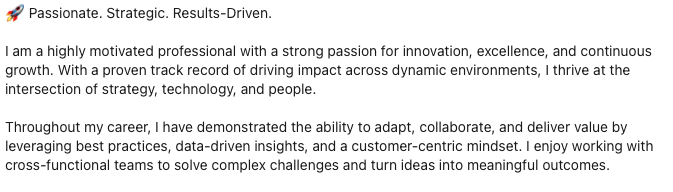
How to write: short sentences · friendly tone · no buzzwords like "visionary" or "results-driven" · sound like a person who does clean work and delivers.
These 9 fixes are just the profile.
A strong profile brings views. The pack adds the two strategies that turn views into interviews: fast applying, and a personal brand that makes hiring managers write to you first.